You're staring at a venue hold, a guest list that keeps moving, and a spreadsheet that still doesn't tell you whether the numbers work. That's the point where a solid event planning budget template stops being paperwork and starts being decision support. At Texas Old Town, that matters because our events run on real timelines, real vendors, and real payment schedules, so the budget has to do more than total expenses, it has to help you control them.
The best templates give you a clean starting point, then let you adapt fast for a wedding, quinceañera, corporate gathering, or milestone celebration. For planning context, this guide from Waymap's 2026 nonprofit guide is a useful reminder that planners increasingly want tools that fit into a bigger workflow, not just a static sheet.
Table of Contents
- 1. Eventbrite, Event Budget Template
- 2. Smartsheet, Free Event Budget Templates + Event Budget Planner
- 3. Vertex42, Event Budget Template
- 4. Microsoft Excel, Event Budget Templates
- 5. monday.com, Project/Budget Templates
- 6. Airtable, Event Planning Template
- 7. Asana, Event Planning Template
- 8. The Knot, Wedding Budget Advisor
- 9. Zola, Wedding Budget Planner
- 10. WeddingWire, Wedding Budget Tool
- Top 10 Event Budget Templates Comparison
- Put Your Template to Work, A Texas Old Town Budget Guide
1. Eventbrite, Event Budget Template
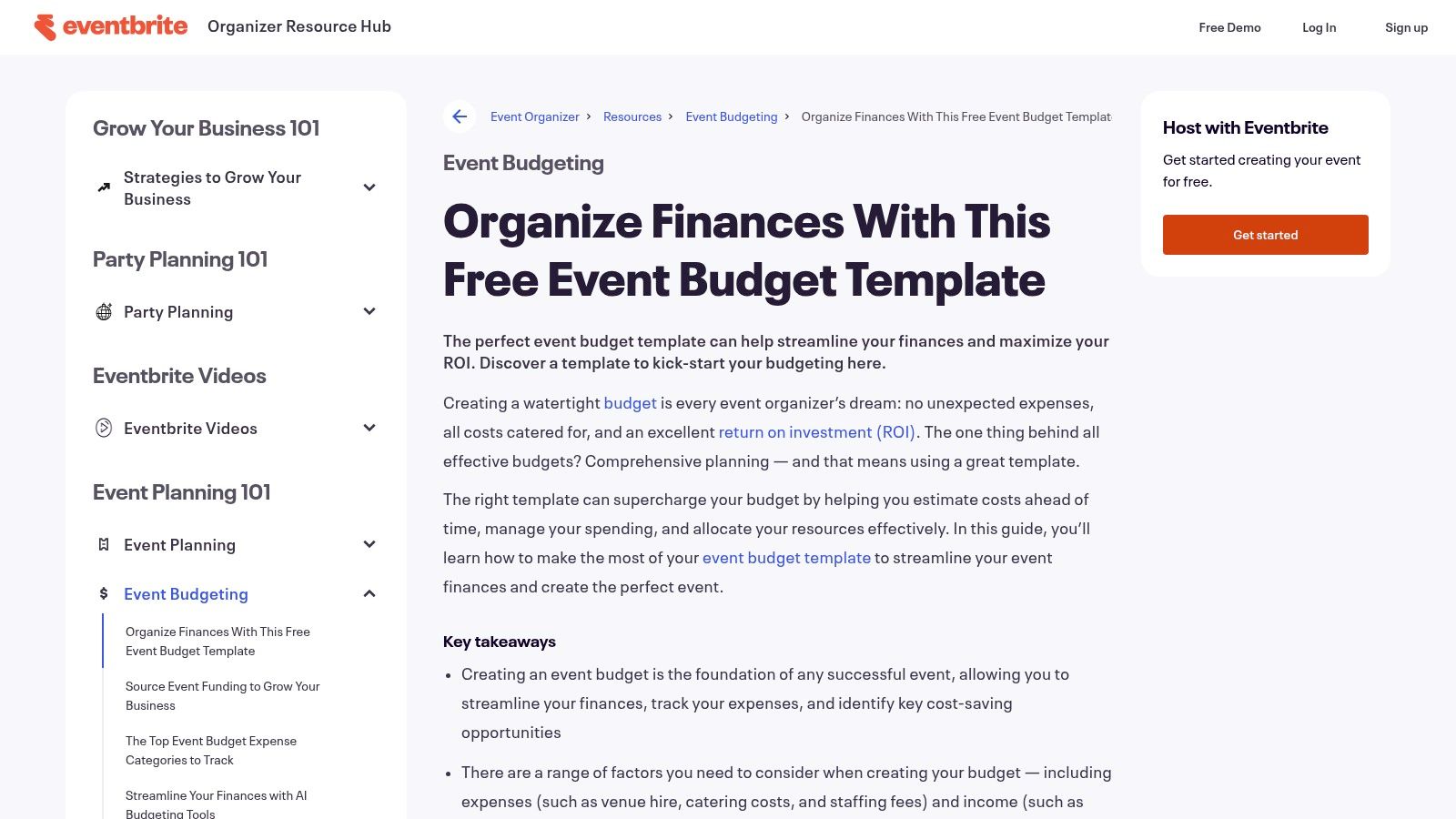
If you want something you can open and use the same day, Eventbrite's free template is a strong place to start. It's built around income and expense categories, plus actuals versus forecast tracking, which lines up with the way seasoned planners review budgets before money starts drifting off plan. Eventbrite also keeps the structure practical for both ticketed and non-ticketed events, so it isn't locked into one event type. You can access the template through Eventbrite's event budget template.
Where it works best
The advantage here is speed. The template gives planners a fast way to separate venue, catering, AV, staffing, transportation, marketing, permits, and contingency, which matches the structure that a practical budget sheet should have. That fits event planning work at Texas Old Town because our clients often need a quick read on what's fixed, what changes with headcount, and what belongs in the contingency bucket.
Practical rule: If the template doesn't separate estimated and actual spend, it's not enough for active planning.
The limitation is just as clear. It's still a spreadsheet, so it won't manage approvals or reminders for you, and it doesn't give you a live audit trail the way a platform-based tool can. For planners who like a simple starting point and don't need heavy collaboration, that trade-off is usually worth it.
2. Smartsheet, Free Event Budget Templates + Event Budget Planner
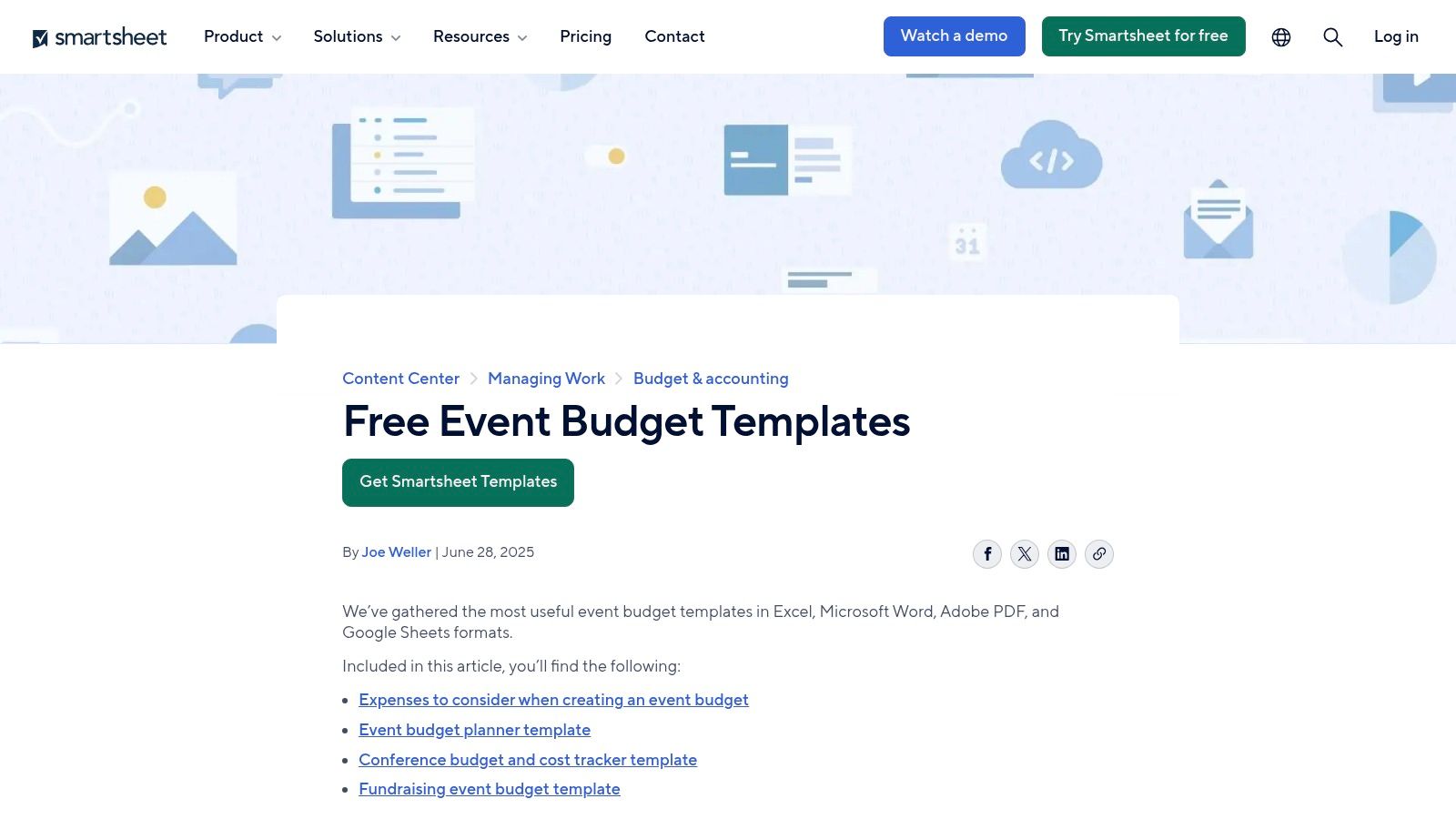
Smartsheet is the first option on this list that starts to feel like a planning system instead of a file. Its free templates cover simple and detailed layouts, and the same structure can live inside Smartsheet if you want collaboration, dashboards, and automation later. The template set also fits the budgeting guidance that emphasizes estimated cost, actual cost, and variance fields, plus a contingency reserve of about 5–10% of total spend or 10–15% for events with more uncertainty, as noted in Smartsheet's event budget template guidance.
Why planners outgrow basic sheets
A planner who's juggling a venue, caterer, florist, DJ, and bar service can use the template to build a cleaner decision path. The platform's labels are easy to print and share, which matters when you're reviewing numbers with a couple, family members, or a corporate stakeholder who wants a simple readout. If you already like the planning cadence behind a venue timeline, pair it with Texas Old Town's event planning timeline so the budget lines up with your calendar.
The weakness is access depth. The most useful collaboration and automation features sit behind Smartsheet accounts, so the free version is best when you need structure more than workflow control. That's still a smart move for larger Texas Old Town events where you want the budget to stay visible across several people without rebuilding it from scratch every time.
3. Vertex42, Event Budget Template
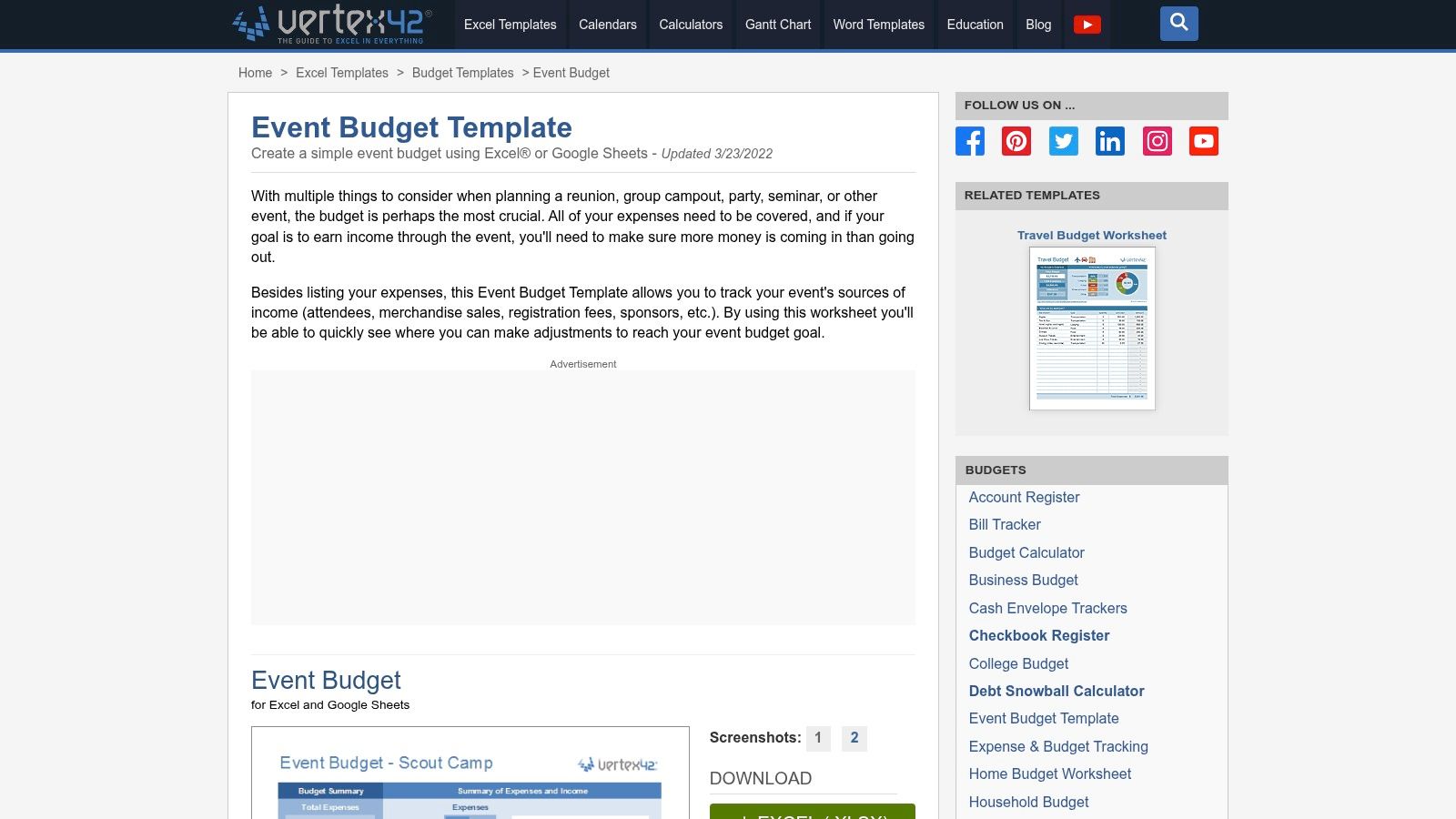
Vertex42 is the no-frills choice for planners who want a spreadsheet that behaves like a spreadsheet. It's clean, easy to rename, and built for forecast versus actual tracking with sample categories you can adjust for weddings, corporate events, or social celebrations. The template is documented well enough that most planners can work from it without much ramp-up, and the template itself is available at Vertex42's event budget template.
Best for planners who want control
This is the template I'd give someone who already knows the categories they need and wants less visual clutter. It doesn't try to dress up the math, which is useful when the job is to catch overruns early. A Texas Old Town client can rename the default fields to match a specific hall, vendor mix, or guest count without wrestling with a bloated interface.
The trade-off is obvious. Vertex42 won't send reminders, sync tasks, or manage approvals, and that means the planner still has to enforce the process. For teams that prefer a simple sheet and a disciplined review habit, that's fine. For teams that need a live collaboration layer, it can feel too manual.
A lean template often beats a fancy one when the planner actually updates it after every vendor quote.
4. Microsoft Excel, Event Budget Templates
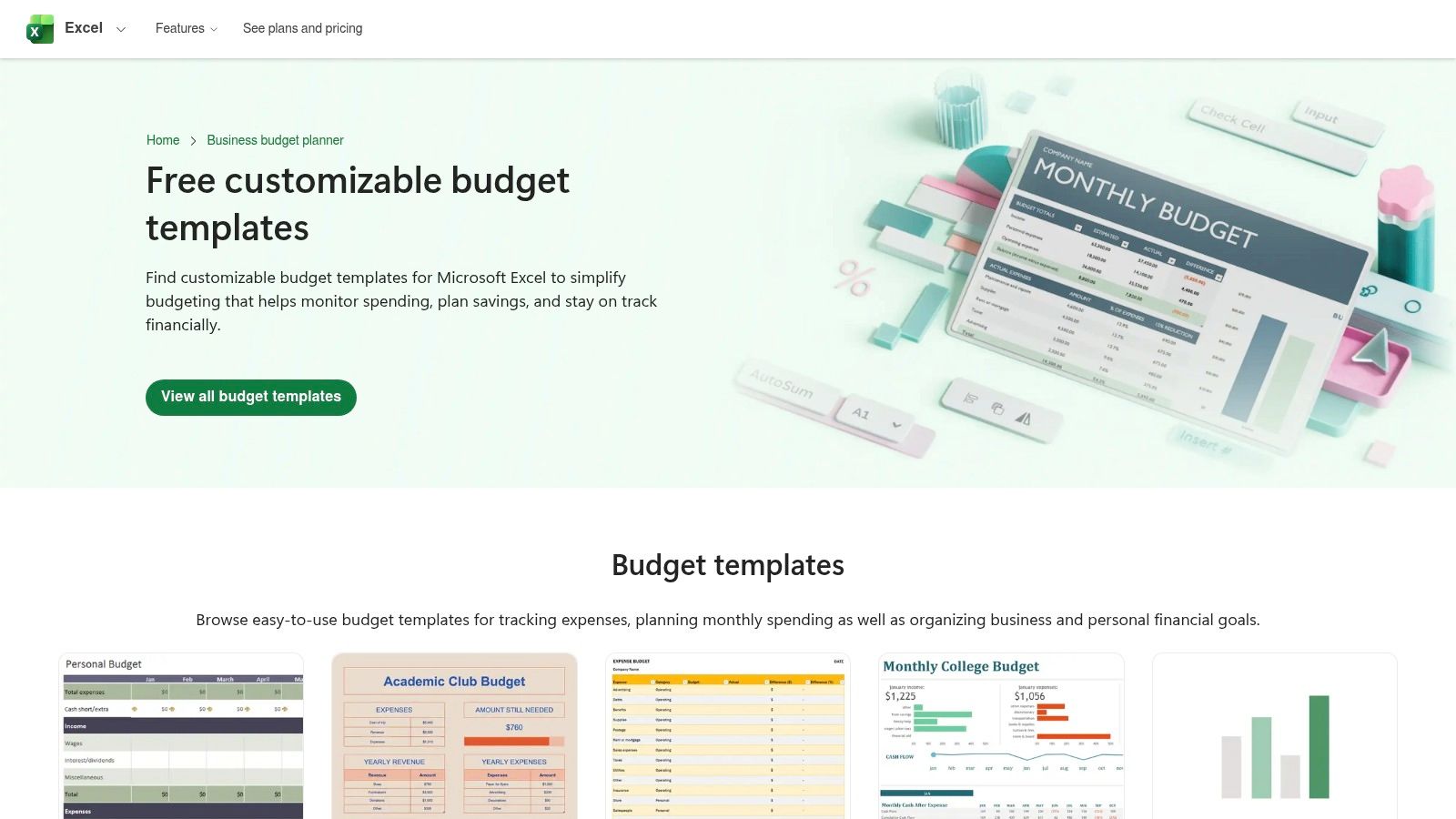
Microsoft's template gallery is the safest choice for teams already living inside Excel or Microsoft 365. The event-focused options are basic, but they open in familiar formats, and the wider gallery gives you charts, formulas, and web-based collaboration when your team needs it. You can start with the gallery at Microsoft Excel's budget templates.
Why it stays popular
Excel still works because it's universal. Finance teams know it, operations teams know it, and clients rarely need training to read it. That makes it ideal for event planners who need a budget they can print, email, and revise without introducing another app into the mix.
The downside is that Excel won't rescue a sloppy budget structure. If the template doesn't include the fields you need, you'll have to build them yourself. At Texas Old Town, that often means adding a section for venue rental, staffing, décor, transport, and a separate payment schedule so the team can see when money leaves the account.
5. monday.com, Project/Budget Templates
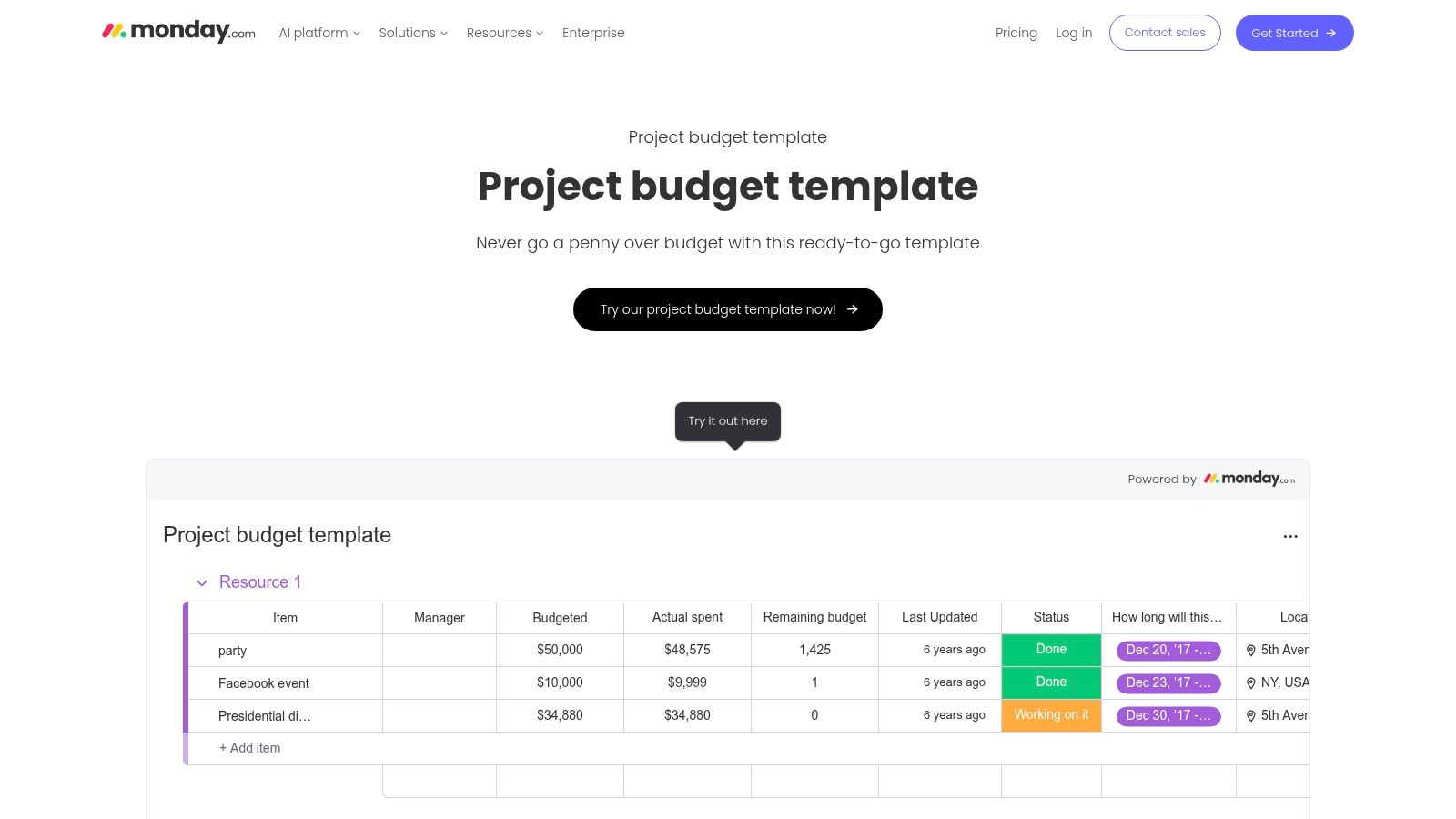
monday.com is strongest when the budget is only one part of a larger event workflow. The budget boards can track owners, approvals, formulas, and status changes, which is helpful when multiple people are touching the same event. Its template library at monday.com project budget templates works well for planners who want the budget to live beside tasks and deadlines.
Strong when accountability matters
The formula columns help roll up spend and variance, while automations can notify a planner when a task or approval changes status. That matters on event days when several details can move at once and somebody has to own the next action. For recurring Texas Old Town events, duplication is a real time-saver because the same board can be reused with only the line items changed.
The learning curve is higher than a plain sheet. If the team doesn't use monday.com already, setup can feel heavier than it needs to be for a one-off celebration. Still, for planners who value visibility and task accountability, it's one of the better hybrid choices.
What to customize first
- Budget owner fields: Assign one person to each major category.
- Approval steps: Add a status before any expense is marked final.
- Cash-flow reminders: Add due dates for deposits and balances.
- Variance column: Keep every line tied to planned versus actual cost.
6. Airtable, Event Planning Template
Airtable is the best fit for planners who think in relationships, not rows. Its event-planning templates include linked tables for vendors, sessions, attendees, and budget, which makes it easier to connect a receipt to the actual line item that created it. You can start from Airtable's event planning template and build from there.
Better for multi-event or multi-vendor planning
The strongest use case is auditability. If a planner needs to see which vendor belongs to which category, which contract is attached, and which payment has been made, Airtable handles that more cleanly than a flat spreadsheet. That's useful for Texas Old Town events where the planner may be comparing venue cost, décor, entertainment, and transportation across several drafts before the final plan locks in.
The trade-off is setup time. Airtable rewards organization, but it asks you to define your structure before it becomes useful. If you like relational data and want a template that can grow into a larger planning database, Airtable is a strong investment of time.
My experience-based rule: Use Airtable when you care about the relationship between the bill, the vendor, and the deadline, not just the subtotal.
7. Asana, Event Planning Template
Asana works best when the budget has to live inside a project plan. Its event-planning template supports custom fields for budget and actuals, and the reporting tools help you keep spending tied to deliverables, which is exactly how many teams manage complex events. The template is available through Asana's event planning template.
Best when tasks drive spend
This setup shines when a line item doesn't exist in isolation. A payment for linens may depend on a seating plan, a band contract may depend on a timeline, and décor may depend on the final layout. Asana keeps those dependencies visible, which reduces the risk of paying for items before the details are confirmed.
The limitation is budget depth. Asana is not a finance system, so if you need detailed spend control, it's better as a command center than a ledger. It's especially useful for planners managing several people, since task ownership is clear and cost fields can sit right beside event deadlines.
Good custom fields to add
- Budgeted amount
- Actual amount
- Deposit due date
- Final balance due
- Vendor owner
8. The Knot, Wedding Budget Advisor
The Knot is the most useful choice here for couples planning a wedding budget from the guest list backward. Its budget advisor uses wedding-specific guidance and payment tracking, which makes it a practical starting point for couples who want a planning tool built around wedding decisions rather than general event math. You can find it at The Knot wedding budget advisor.
Why wedding planners still use it
The biggest advantage is relevance. Couples don't need to translate a corporate template into wedding language, because The Knot already thinks in wedding categories and payment milestones. That makes it easier to build a first draft, then adjust it for a Texas Old Town event where the venue, vendor policy, and schedule may look different from what's typical in a city ballroom.
For couples planning at our venue, the budget gets specific fast. Our Texas Old Town wedding budget guide is the right companion piece if you want to move from category estimates to a real booking plan.
The downside is scope. It's not built for corporate events or other non-wedding gatherings, and it asks for account creation before you get full use from it. If your event is a wedding, though, it can save time by giving you a structure that already speaks the right language.
9. Zola, Wedding Budget Planner
Zola is an all-in-one wedding workflow tool, and the budget planner is part of that broader system. It updates when vendors are booked through Zola, supports payment reminders, and keeps the budget aligned with vendor management, RSVPs, and the wedding website. The planner lives at Zola's wedding budget tool.
Best for mobile-first couples
The mobile-friendly layout is useful when decisions are happening away from the desktop. Couples can check allocations, confirm payment timing, and keep the vendor list synced while they're on the move. That reduces the chance of forgetting a deposit or double-booking an item.
Its biggest strength is also its biggest limitation. Zola works best when you lean into Zola's ecosystem, especially for vendor booking. If you want a broader vendor mix or more custom workflow control, the tool can feel more closed than a spreadsheet-based solution. For wedding clients who want convenience and a tighter booking experience, it's still a strong contender.
10. WeddingWire, Wedding Budget Tool
WeddingWire's budget tool is another wedding-specific choice with a practical payment tracking layer. It supports category allocations, editable line items, reminders, and export options for offline review. You can reach it through WeddingWire's wedding planning page.
Good for couples who want flexibility
This one works well if you want a straightforward budget without giving up the ability to share or print it. It pairs nicely with the rest of WeddingWire's planning suite, so a couple can move between budget, vendor discovery, and checklists without rebuilding everything in a separate file. For Texas Old Town couples, that's especially useful when payment timing matters and different vendors have different due dates.
If you're organizing a wedding with a clear payment plan, our Texas Old Town payment plans for weddings page can help you line up your venue budget with the rest of your vendor schedule.
The limitation is predictably wedding-specific. It's not the best fit for corporate programs or non-wedding celebrations, but for couples who want a simple planning stack, it does the job without much friction.
Top 10 Event Budget Templates Comparison
| Tool | Core features | Best for / Target audience | Collaboration & integrations | Unique selling point | Cost |
|---|---|---|---|---|---|
| Eventbrite – Event Budget Template | Ready-to-use income/expense sheet; actual vs. forecast; planning PDFs | DIY planners & ticketed events at venues | Spreadsheet download; no native collaboration | Fast start; ties to Eventbrite planning resources | Free |
| Smartsheet – Event Budget Templates | Multiple templates (Excel/Sheets/PDF); customizable formulas | Event teams and planners needing scale | Can upgrade to Smartsheet for dashboards & automations | Variety of templates + upgrade path to collaborative platform | Free templates; paid platform options |
| Vertex42 – Event Budget Template | Clean forecast vs. actual tracking; editable categories | Planners wanting a reliable no-frills spreadsheet | Excel/Google Sheets compatible; manual sharing | Lightweight, well-documented spreadsheet staple | Free |
| Microsoft Excel – Template Gallery | Prebuilt formulas & charts; cloud Excel available | Finance teams and Office 365 users at venues | Excel for the web collaboration (M365) | Familiar environment for reviews and approvals | Free templates; M365 subscription for full cloud features |
| monday.com – Project/Budget Templates | Formula columns, automations, boards for spend | Venue operations and multi-stakeholder teams | Native automations, integrations, dashboards | Combines budget with tasks, timelines, approvals | Paid plans (trial available) |
| Airtable – Event Planning Template | Relational tables, rollups, attachments | Multi-event portfolios; planners tracking vendors/receipts | Real-time views, CSV import, integrations | Database-style budget with receipts & vendor links | Free tier; paid for advanced features |
| Asana – Event Planning Template | Task-based templates with budget fields & reports | Task-focused teams pairing timelines with costs | Dashboards, custom fields, attachments | Keeps budget tied to deliverables and deadlines | Free tier; paid plans for advanced reporting |
| The Knot – Wedding Budget Advisor | Wedding allocations from Real Weddings data; payment tracking | Couples planning weddings at Texas Old Town | Account-based; integrates with The Knot tools | Data-driven wedding budgeting with regional norms | Free (account required) |
| Zola – Wedding Budget Planner | Auto-updating budget when booking vendors; reminders | Couples who book vendors via Zola; mobile users | Tied to Zola vendor bookings and RSVPs | All-in-one: vendor management + budget dashboard | Free |
| WeddingWire – Wedding Budget Tool | Category allocations, payment tracking, printable exports | Couples wanting simple wedding budgets and vendor search | Integrates with WeddingWire planning suite | Easy setup with download/print options for planners | Free |
Put Your Template to Work, A Texas Old Town Budget Guide
Choosing a template is only half the job. Control comes from tailoring it to the venue, the guest count, and the payment timeline, and that's where an event planning budget template becomes useful at Texas Old Town. Our venue gives you exclusive 16-hour access, flexible vendor choices, and clear pricing with no hidden fees, so your budget can focus on planning instead of guessing.
Essential Line Items for Your Texas Old Town Event
A working budget at our venue should separate the big fixed items from the variable ones. Start with venue rental, then add catering, bar service, décor, music, photography, transportation, and staffing. Because we allow host-provided beverages with approved bartending service, your bar line should reflect both the beverage purchase and the service requirement, not just one or the other.
The smartest templates also leave room for the items that are easy to overlook. Build in clean-up, furniture needs, permits if they apply, and a contingency reserve. That lines up with the broader budgeting guidance that recommends separating fixed and variable costs and keeping a contingency line ready for overtime, weather, or last-minute rentals, as noted in Rentman's event budget sheet guidance.
For Texas Old Town planners, I'd add one more line every time, payment timing. A budget that looks fine on paper can still create stress if deposits stack up too early, so the template should show both amount and due date.
Calculating Per-Guest Costs for Our Venues
Per-guest math helps you compare venue size against total spend without getting lost in category clutter. Use one simple formula, total projected budget divided by expected guest count. For a rough planning draft, that gives you a clean way to test whether the selected hall matches the event scale.
For Texas Old Town's capacities, the guest count anchors are straightforward. Tejas works up to 320 guests, Sage and Stone work up to 300 guests each, and Redbud works up to 150 guests. If you're budgeting a wedding or quinceañera, plug your actual guest count into the template first, then divide by that number to see the cost per guest before you lock in upgrades.
If your event is built for a smaller circle, Redbud often makes the math easier to manage because the guest list stays intimate. If you need a larger dance floor or a wider reception setup, Tejas gives you more headroom. The important part is not picking the biggest room, it's matching the room to the budget you can sustain.
Tracking Vendor Payments and Timelines
This is where most templates fall short, and where Texas Old Town clients need the most discipline. A budget should track deposit date, balance due date, amount paid, and remaining balance for every vendor. That structure fits our flexible vendor policy because you can choose the caterer, photographer, florist, or entertainment team that works best for the event, then keep the payment schedule visible in one place.
A flat total won't tell you whether next month is overloaded with deposits. A cash-flow view will. That's why the stronger templates treat budgeting as a workflow, not just a spreadsheet, and why a planner should always reconcile the budget against real payment dates as the event gets closer.
Budgeting to Avoid Hidden Fees, And Why You Won't Find Them Here
Hidden fees are one of the fastest ways to break trust in a budget. At Texas Old Town, our pricing is structured to stay transparent, and the quoted price includes sales tax and gratuity. That matters because planners can build a cleaner total without chasing line-item surprises at the end.
That transparency makes your template easier to trust. Instead of padding every category for unknown add-ons, you can use the contingency reserve for actual event risk, not mystery charges. A budget should help you compare options fairly, and the venue should support that by making the pricing clear from the start.
Use your template to keep the conversation grounded. If a line item changes, update it. If a vendor quote comes in higher than expected, move the adjustment to the correct category instead of hiding it in a vague “miscellaneous” line. That's how you keep the plan readable, and that's how you avoid panic when the event gets close.
A good budget is the foundation of a stress-free event because it lets you make decisions early, compare options clearly, and protect the money that matters most. If you're planning a wedding, quinceañera, corporate event, or milestone celebration in Central Texas, our team can help you connect the numbers to a real venue plan. Visit Texas Old Town to explore the halls, review the rental details, and build a budget that fits the way you actually want to celebrate.