Your guest list looks manageable until you start placing the furniture. The reception hall needs dining tables, a dance floor, a DJ setup, a bar, and somewhere for guests to wait without blocking the entrance. Suddenly, the venue's published capacity doesn't answer the question you need resolved: Will this event layout work?
A room capacity calculator can help you test that question before you commit to rentals or finalize invitations. The useful result isn't only a larger or smaller number. It's knowing which assumptions you need to discuss with the venue, caterer, rental company, and anyone responsible for approving the setup.
The underlying calculation depends on the room's intended use, measured area, and applicable occupant-load factor, as explained in NFPA's guidance on calculating occupant load. That makes a calculator a planning aid, not permission to exceed a posted occupancy limit.
Practical rule: Keep the estimated furniture capacity, your preferred guest count, and the venue-approved occupancy separate until the final layout has been reviewed.
The tools below serve different decisions. Some help compare reception styles, some translate guest counts into tables, and others make it easier to examine dance floors, service areas, or arrivals. Choose according to the question you're trying to answer, then confirm the result against the actual room.
Table of Contents
- 1. EventDiagram, Room Capacity Calculator
- 2. Metis Room Planner, Venue Capacity Calculator
- 3. MyVenueHQ, Free Venue Capacity Calculator
- 4. Lovely Seating, Room Capacity Calculator
- 5. SeatPlanning, Event Seating & Table Capacity Calculator
- 6. Wedding Math, Seating Capacity Calculator
- 7. Floors.live, Event Room Capacity Calculator
- 8. Calculator Academy, Event Capacity Calculator
- 9. SnapCount, Event Capacity Calculator
- 10. Eventation, Room Capacity Calculator
- Top 10 Room Capacity Calculators Compared
- Turn the Estimate Into a Confirmed Event Plan
1. EventDiagram, Room Capacity Calculator
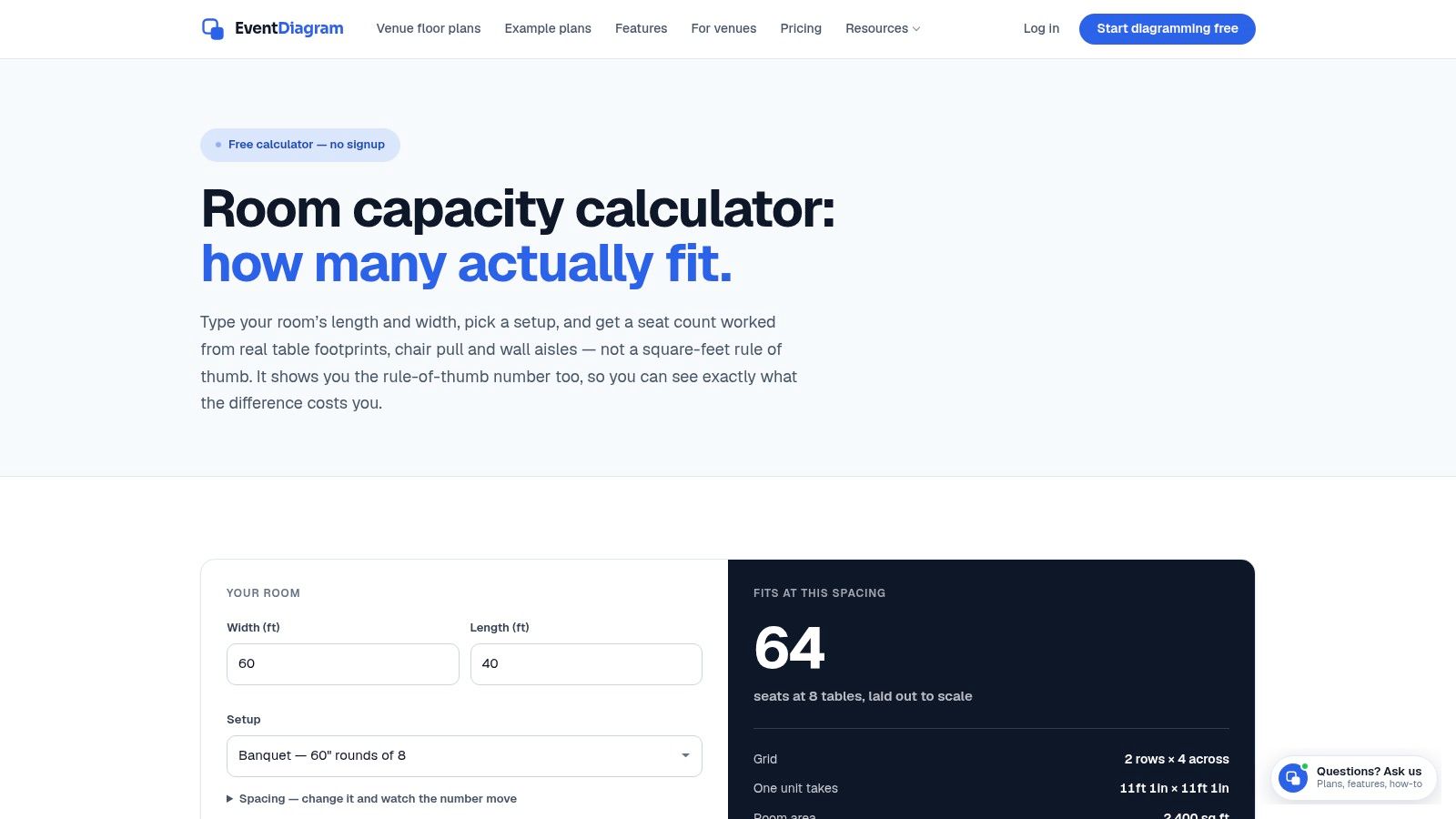
Best for comparing a furniture-based estimate with a rough capacity allowance. EventDiagram's Room Capacity Calculator uses room dimensions and a selected configuration to estimate seating, considering table footprints, chairs, and wall aisles. It also compares that result with a simpler rule-of-thumb estimate.
That comparison is useful when a couple asks why the advertised capacity seems generous but their proposed reception feels tight. Rather than arguing over the headline number, you can examine how the selected furniture and clearance assumptions change the estimate.
Where it helps, and where to stop
Start with the venue's measured dimensions and the furniture you intend to use. Then investigate any difference between the calculator result and the venue's published capacity through a layout-specific capacity verification conversation.
- Useful detail: Table and chair footprints make the estimate more relevant to dining than a bare square-foot calculation.
- Easy entry: The calculator is free to try without signing up.
- Important limitation: Columns, door swings, bars, stages, and service routes still need attention in the actual plan.
EventDiagram offers a path into scaled diagramming, although managing multiple active diagrams may require a paid plan. That's the practical trade-off: the calculator helps you screen an idea, while the drawing helps you examine placement.
If your event is in a restaurant or dining-led space, you can also browse restaurant floor plan makers when choosing a drawing workflow. Whatever you use, don't treat an efficient table arrangement as an approved fire-code determination.
2. Metis Room Planner, Venue Capacity Calculator
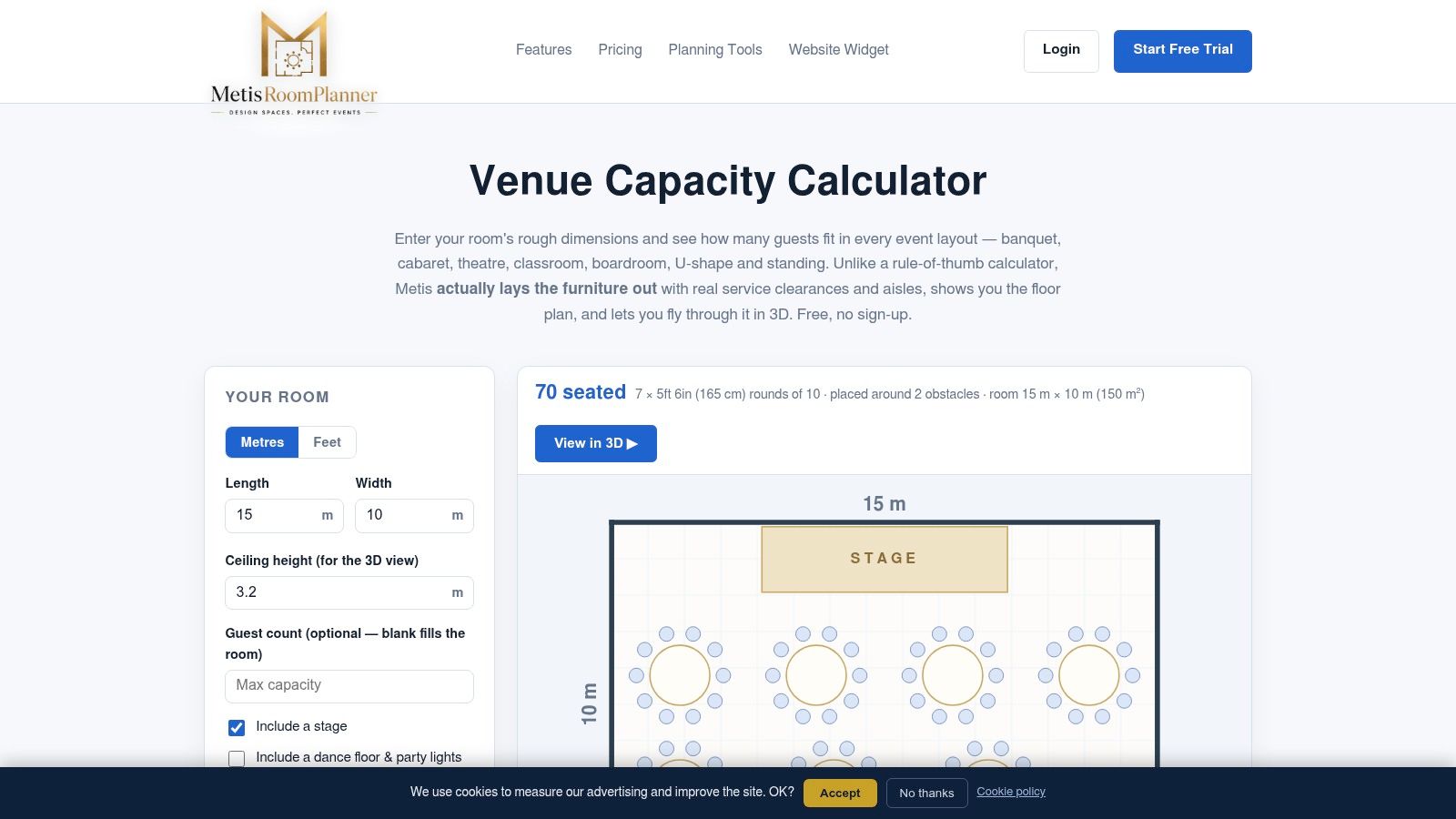
A stage can seem like a small addition until you see what happens to the tables beside it. Metis Room Planner is especially useful for making those trade-offs visible, rather than discussing them only as deductions from total floor area.
The Metis Venue Capacity Calculator supports banquet, cabaret, theater, classroom, boardroom, U-shape, and standing configurations. Its planning options include furniture footprints, service gaps, aisles, doorways, and an optional stage or dance floor, with visual comparisons through plans and fly-throughs.
Use the visuals to resolve competing priorities
For a corporate banquet, compare dining against a presentation-focused arrangement before promising both extensive seating and an unobstructed view. For a quinceañera, test the dance floor as part of the initial plan rather than treating it as whatever space remains.
The calculator is free and doesn't require an account, making it convenient for an early discussion with clients or relatives. Visual layouts can also make large-event venue comparisons more concrete when rooms appear similar in photographs.
A convincing visualization is still a proposal. Confirm the dimensions and fixed features before treating the displayed arrangement as workable.
The main limitation is input quality. Approximate dimensions can make a plan look plausible while hiding a narrow passage or awkward doorway, and unusual room features may need separate modeling.
Choose Metis when stakeholders need to see why a layout changes capacity. Don't choose it on the assumption that a polished visual eliminates the need for venue review, accessibility planning, or applicable occupancy requirements.
3. MyVenueHQ, Free Venue Capacity Calculator
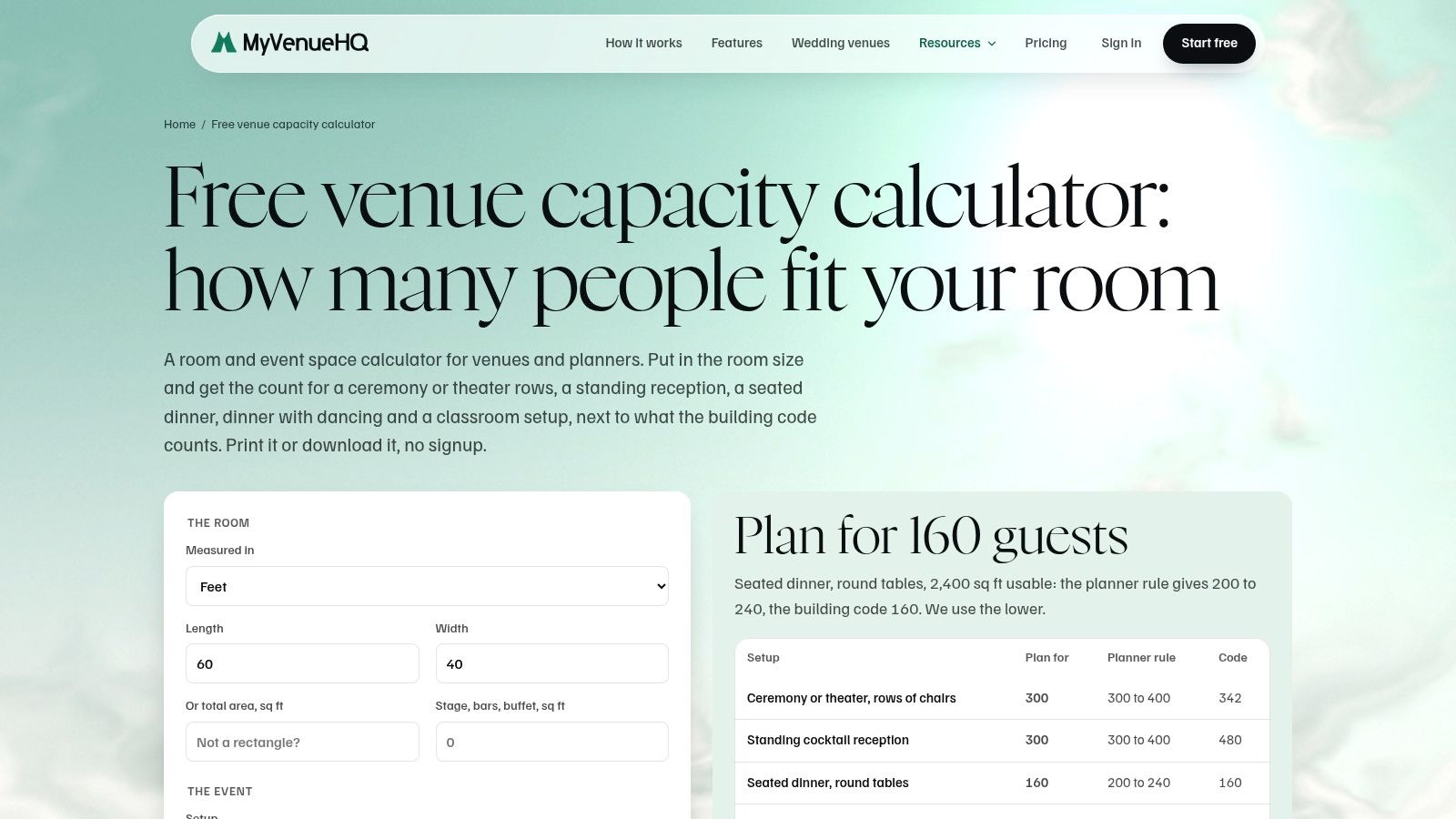
Can dinner and dancing share the room? That's the kind of early planning question MyVenueHQ's Free Venue Capacity Calculator is designed to explore. You can enter room dimensions or square footage, select an event format, and account for areas occupied by features such as a stage, dance floor, bar, or buffet.
Its event-oriented choices are more useful for this decision than treating every gathering as generic standing occupancy. Ceremony rows, a standing reception, seated dinner, and dinner with dancing involve different furniture and circulation assumptions.
- Best application: Compare reception concepts before committing to a detailed seating arrangement.
- Helpful output: The tool page describes printable or downloadable results for keeping the estimate with planning materials.
- Main caution: A floor-area deduction doesn't establish whether the remaining space has a practical shape.
For example, subtracting a buffet area is a sensible start, but it doesn't show whether the resulting queue will cross the main entrance. Likewise, reserving dance-floor space doesn't tell you whether nearby guests can pull out their chairs comfortably.
Keep the deductions traceable
Record what each deduction represents and whether circulation is already included. Otherwise, it's easy to overlook service space or subtract the same allowance again when you move to a drawing.
MyVenueHQ offers a separate floor-plan maker, which is the logical next step when a concept looks promising. Use the calculator to compare formats, then examine placement separately, always keeping the venue's posted occupancy limit as a constraint rather than a target to override.
4. Lovely Seating, Room Capacity Calculator
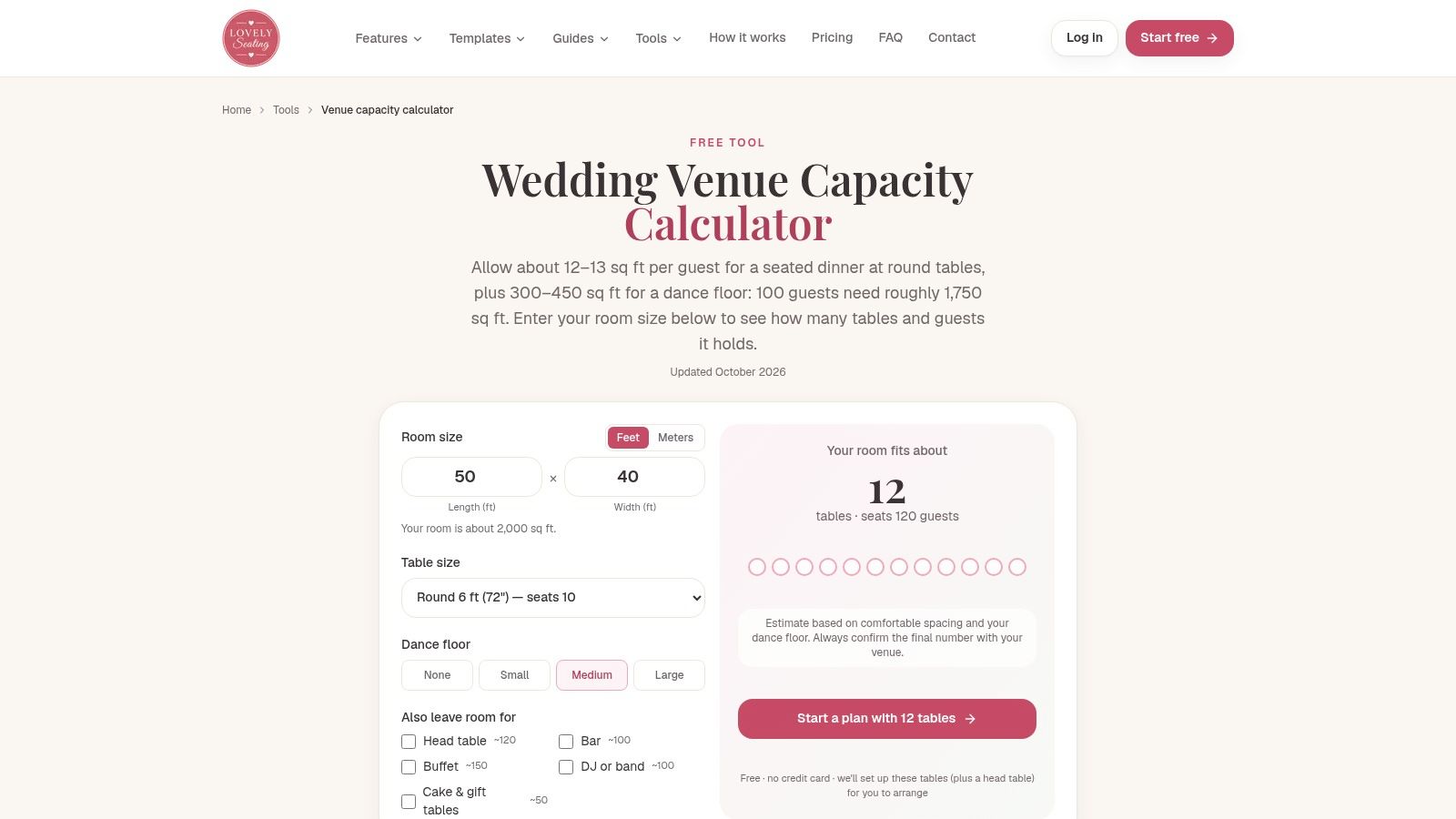
Wedding planning often starts with a table preference: rounds for conversation, rectangular tables for a particular look, or a mixture around a central dance floor. Lovely Seating's wedding room capacity calculator makes those choices part of the estimate through room dimensions, table options, and a selected dance-floor allowance.
Its strength is reception-specific planning. The table footprints include chairs and walkways, which makes the exercise more useful than fitting bare tabletops inside an empty rectangle.
Protect the complete reception layout
Use Lovely Seating to compare table choices while keeping the dance floor consistent. That gives you a clearer comparison than changing the table type and entertainment space at the same time.
Then consider what isn't yet represented:
- Entertainment setup: Include the DJ or band's working area, not just the dancing surface.
- Food and drink: Account for the bar, buffet, and where guests will wait.
- Guest movement: Check routes between seats, entrances, restrooms, and other activity areas.
The linked floor-plan editor provides a way to arrange tables, bars, and other features after the initial estimate. However, print-ready floor-plan outputs are listed as a paid Pro feature, so check the output requirements before building your client handoff around it.
Lovely Seating is a good fit when the main decision is which wedding table arrangement leaves room for the celebration you want. It's less conclusive when the challenge is an irregular room, fixed obstructions, or a complicated service operation that needs careful placement rather than a general allowance.
5. SeatPlanning, Event Seating & Table Capacity Calculator
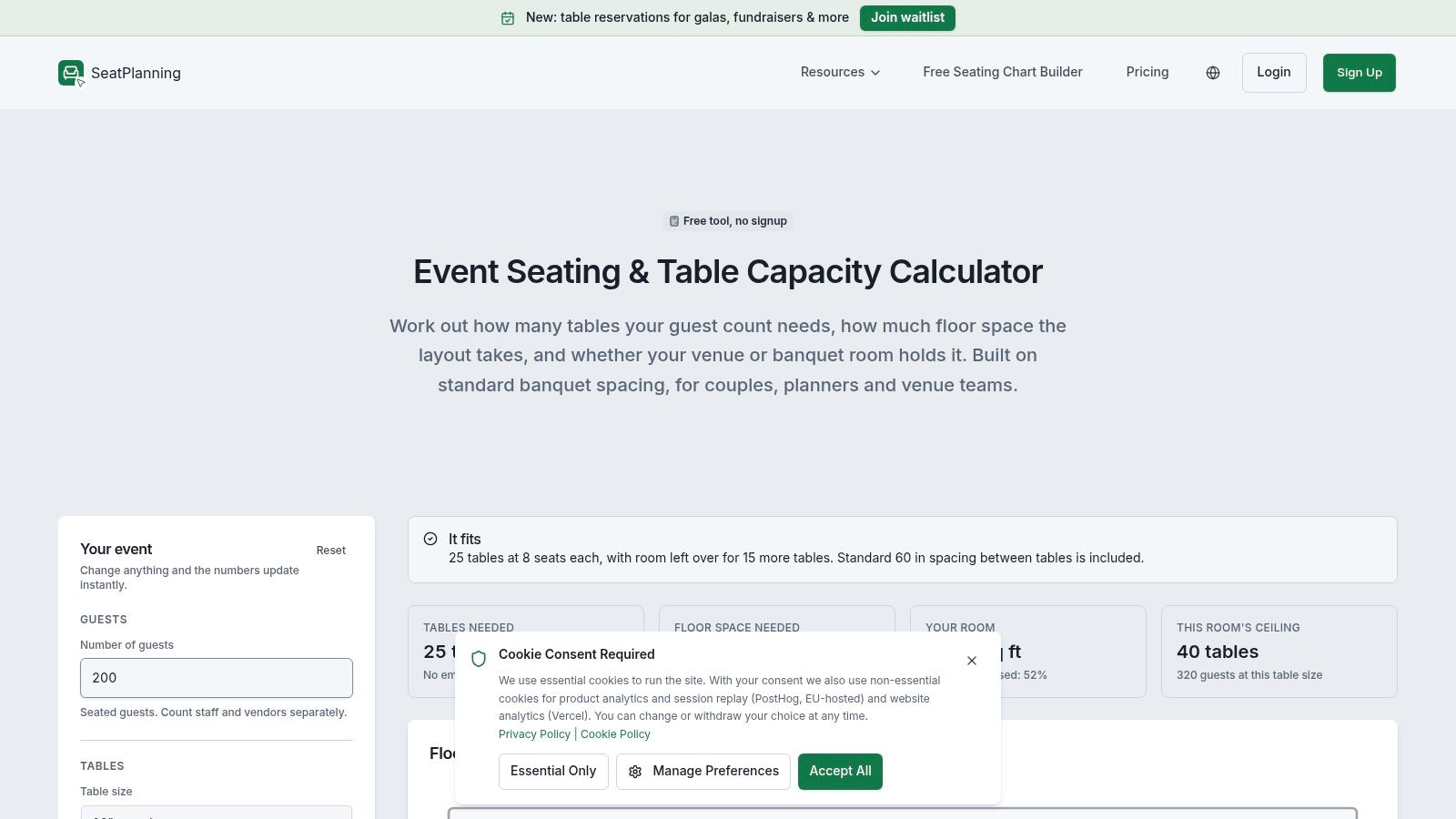
Start with SeatPlanning when the guest list is clearer than the room plan. Instead of asking only how many people a room might hold, SeatPlanning's table capacity calculator connects guest count and table size with estimated table requirements and a room-fit check.
That direction suits couples who already have a working invitation list, as well as venue teams responding to an inquiry. The inputs include room dimensions and space for a dance floor and buffet, so the discussion can move beyond table count alone.
The page indicates that the calculator is free and doesn't require signup. That makes it convenient for checking an initial idea without first setting up a larger planning project.
A table count isn't a seating plan
The useful output is the relationship between guests, tables, and estimated floor space. It doesn't prove that the venue's particular tables will fit in the arrangement you prefer.
- Check the furniture: Match the selected table assumptions to the actual inventory or rental specification.
- Check the allowances: Find out whether the estimate includes chair clearance and service aisles.
- Check the room: Mark fixed features and door locations before accepting a close fit.
This tool is more focused on seating logistics than exit-capacity or code analysis. That's appropriate for early planning, provided you don't mistake its result for an official occupancy limit.
Choose SeatPlanning to answer “What does this guest list require?” before moving to the separate question of where every table, queue, and service route will go.
6. Wedding Math, Seating Capacity Calculator
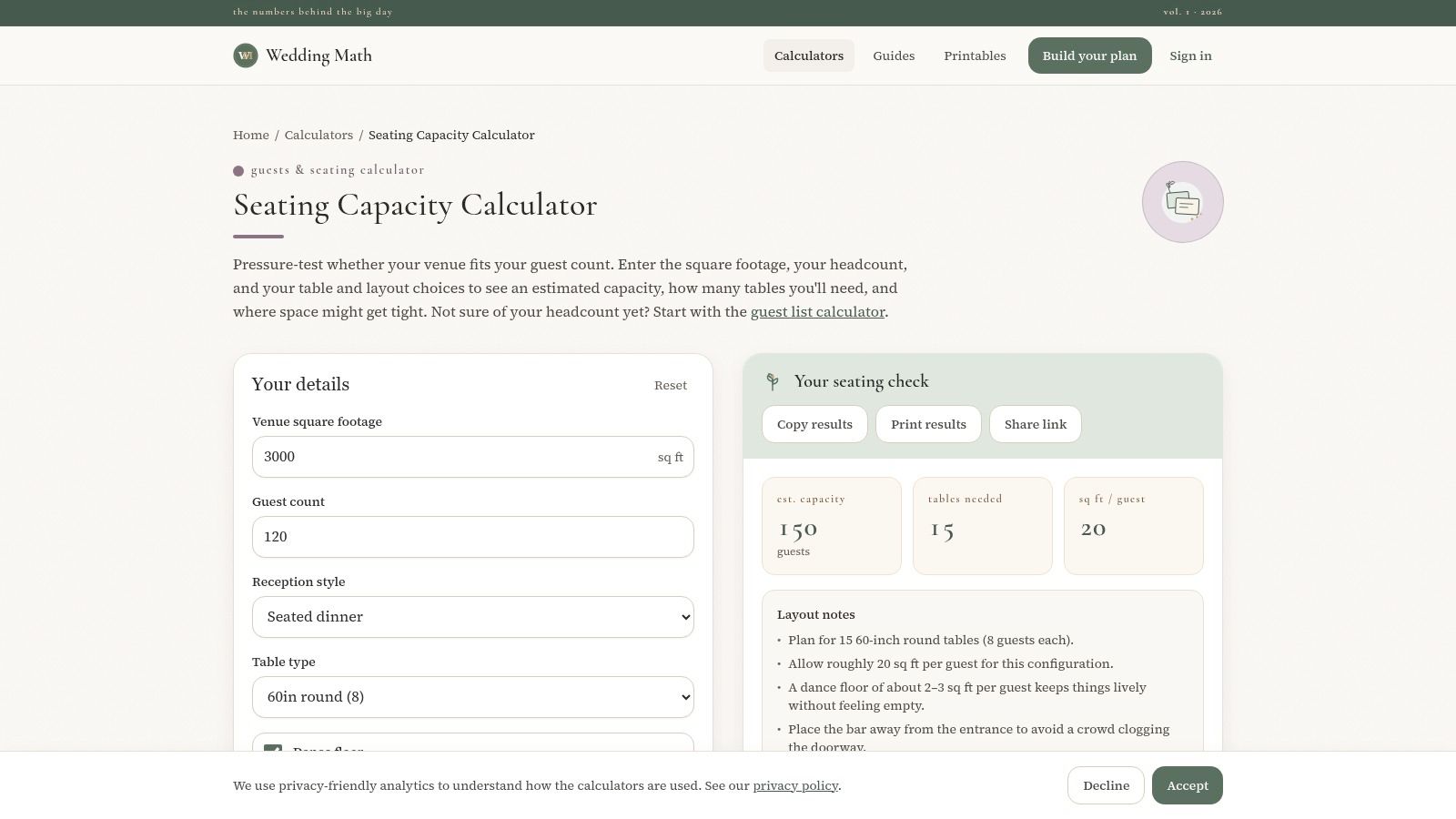
When the ceremony and reception might share a room, the planning problem includes more than the final dinner arrangement. Wedding Math's Seating Capacity Calculator includes that shared-space question alongside reception style, table type, guest count, and room area.
It also lets users include a dance floor, buffet stations, and bar space, then provides estimates and notes about where the plan may become tight. Those prompts are useful for exposing assumptions before the venue visit, especially when the couple hasn't decided how the day will move between ceremony and reception.
Planning distinction: A room can accommodate successive activities without accommodating all their furniture simultaneously. Confirm the transition plan as carefully as the final seating layout.
For couples comparing venues for 150 guests, keep the event functions consistent across each comparison. Otherwise, a dining-only estimate can look more generous than an estimate that already reserves entertainment and service space.
Useful prompts, not furniture placement
Wedding Math uses area-based planning assumptions rather than placing each item inside a measured room. It's therefore helpful for discussing requirements, but less conclusive for a narrow hall, an unusual room shape, or fixed architectural features.
The calculator is free and offers an embed option for websites. Its practical value is keeping common wedding requirements in the conversation rather than proving a final arrangement.
Keep unrelated decisions separate: guests can work out how much to gift, while the planning team confirms room use, furniture placement, and changeover responsibilities with the venue.
7. Floors.live, Event Room Capacity Calculator
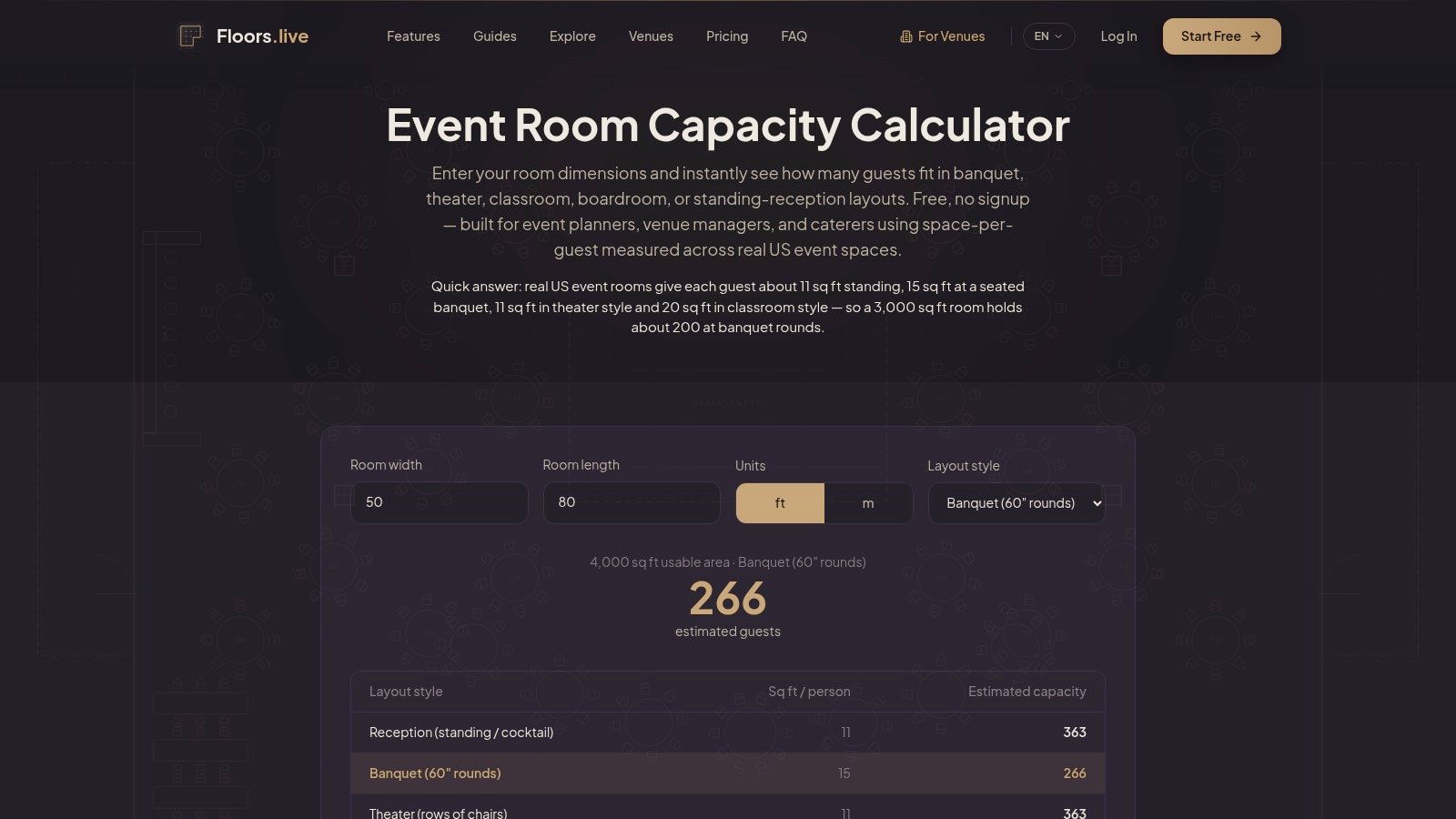
Floors.live suits an early format comparison: would the same room work better for a banquet, a classroom session, or a standing reception? The Floors.live Event Room Capacity Calculator accepts room width and length in feet or meters and applies space-per-person assumptions for the selected setup.
The tool page identifies its assumptions as US-focused and based on its Event Space Index. Treat those as the calculator's planning methodology, not as confirmation of the locally adopted building code.
Keep comparisons consistent
For a corporate event, run the same measured room through the relevant layouts before commissioning a detailed drawing. This can help identify which event formats deserve further investigation.
- Useful for screening: Compare standard arrangements without modeling every furniture item.
- Useful for websites: A free embed option is available for venue or planning pages.
- Less useful for final placement: Area-per-person estimates don't show whether a specific table row clears a doorway.
The main implementation risk is entering the full room area while leaving a stage, bar, or other dedicated use unaccounted for. Before making deductions, check what the selected setup already assumes so you don't accidentally count an allowance twice.
Floors.live doesn't require signup, which keeps the initial comparison straightforward. Choose it when you need directional differences between event formats, not when you need to resolve a tight furniture arrangement.
If the estimate is close to the desired attendance, move to a measured layout and venue review rather than trying different assumptions until the preferred number appears.
8. Calculator Academy, Event Capacity Calculator
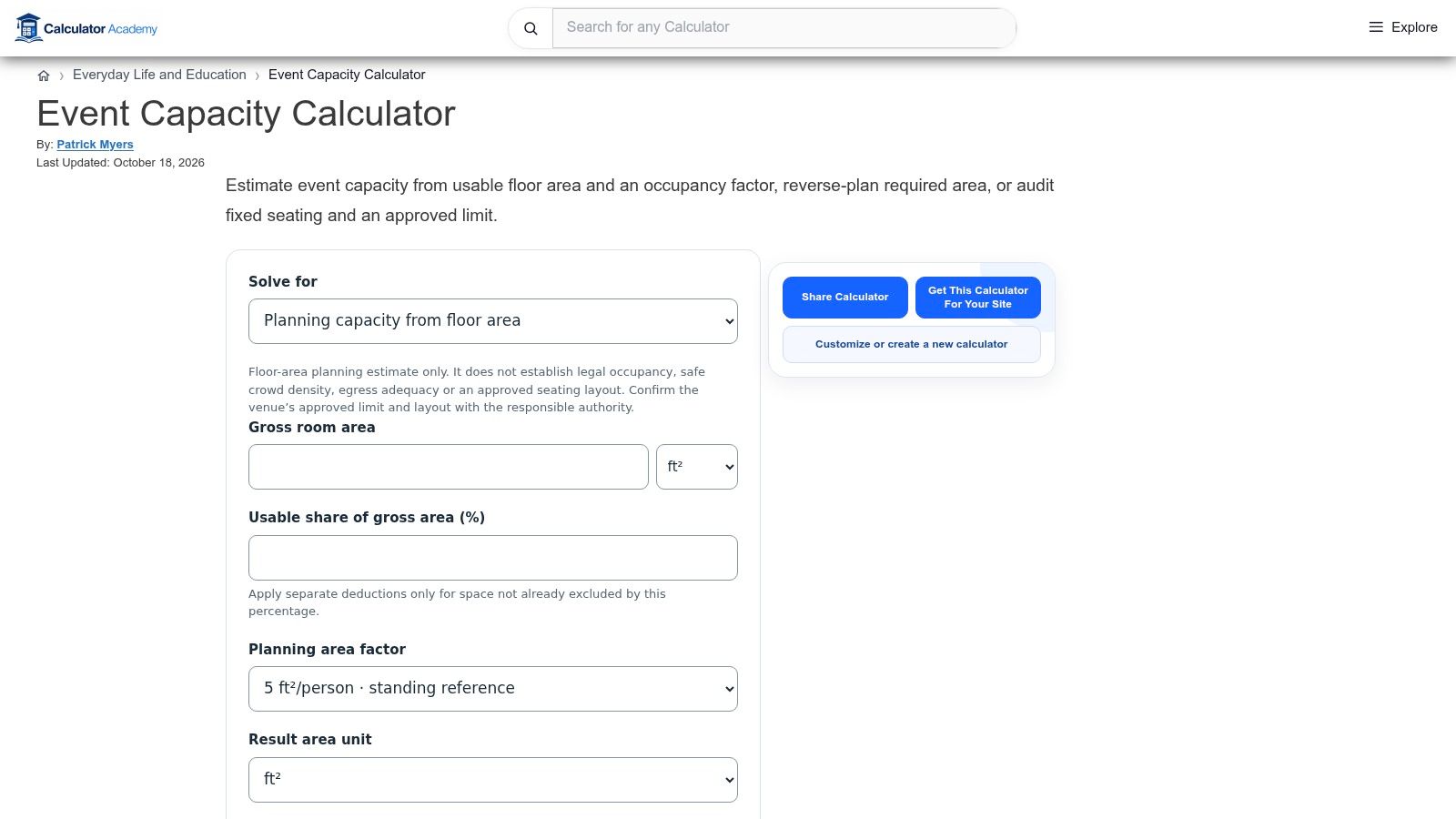
A transparent calculation is useful when different planning tools return different answers. Calculator Academy's Event Capacity Calculator centers the relationship between usable floor area and the selected occupancy factor, with guidance on reverse-planning required space and accounting for non-guest areas.
The importance of the factor is clear in the 2021 IBC reference, which lists 15 net square feet per person for tables and chairs, 7 for concentrated chairs, and 5 for standing space in the referenced occupant-load table. Those are use-specific reference factors, not interchangeable comfort recommendations or automatic local approvals.
Best used as an assumptions audit
Calculator Academy is less wedding-specific than the reception-focused tools above. That's an advantage when you want to inspect the underlying area calculation, but a disadvantage when you need to compare actual table placements.
- Area quality: Distinguish usable space from the full building footprint.
- Factor selection: Confirm which use and governing requirements apply.
- Interpretation: Keep code-oriented occupant load separate from a furniture-based guest recommendation.
Its guidance also discusses fixed seating, approved limits, and deductions for areas such as kitchens, storage, and fixed stages. Review those assumptions before carrying the result into a client proposal.
Rounding deserves care. A code-oriented calculation and a practical count of complete seats aren't necessarily the same exercise, so don't apply a rounding convention without understanding what the output represents.
Choose Calculator Academy for a transparent cross-check, then use a layout tool and venue review to establish what the proposed event can accommodate.
9. SnapCount, Event Capacity Calculator
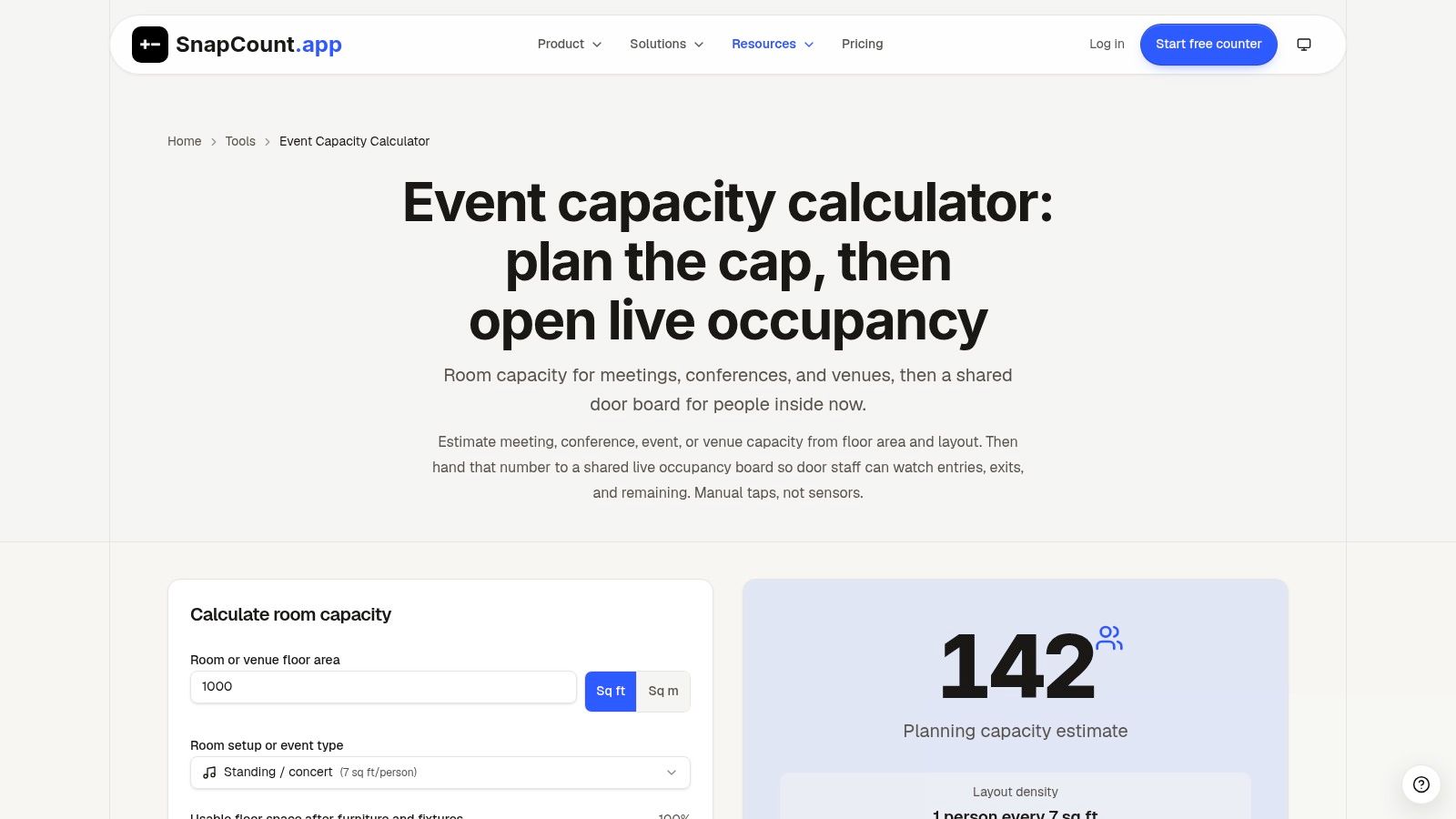
Planning attendance and monitoring attendance are different jobs. SnapCount's Event Capacity Calculator connects an estimate based on usable area and event layout with a manual live-occupancy board for recording entries and exits.
That combination is most relevant when the event has controlled admission. A corporate reception with changing attendance may benefit from an operational headcount workflow more than a private dinner with a settled seating list.
The calculator supports square feet and square meters and reminds users to account for blocked or non-guest areas. The shared board then provides a separate way for staff to monitor arrivals and departures during the event.
The trade-off is staff discipline
Manual tracking needs a defined process. Decide who records movement, how staff handle re-entry, and what happens if guests use an entrance that isn't being monitored.
- Before opening: Establish the venue-confirmed limit and clarify the counting scope.
- During admission: Give door staff clear responsibility for recording entries and exits.
- When readings are uncertain: Resolve the count operationally rather than assuming the board is accurate.
The live board isn't sensor-based, and a shared display can't correct an entry nobody recorded. That makes staffing and communication at least as important as the interface.
SnapCount may be unnecessary for a small private celebration without controlled entry. Choose it when you need both an initial planning estimate and an on-the-day counting process, while remembering that neither the estimate nor the live count authorizes exceeding the venue's approved limit.
10. Eventation, Room Capacity Calculator
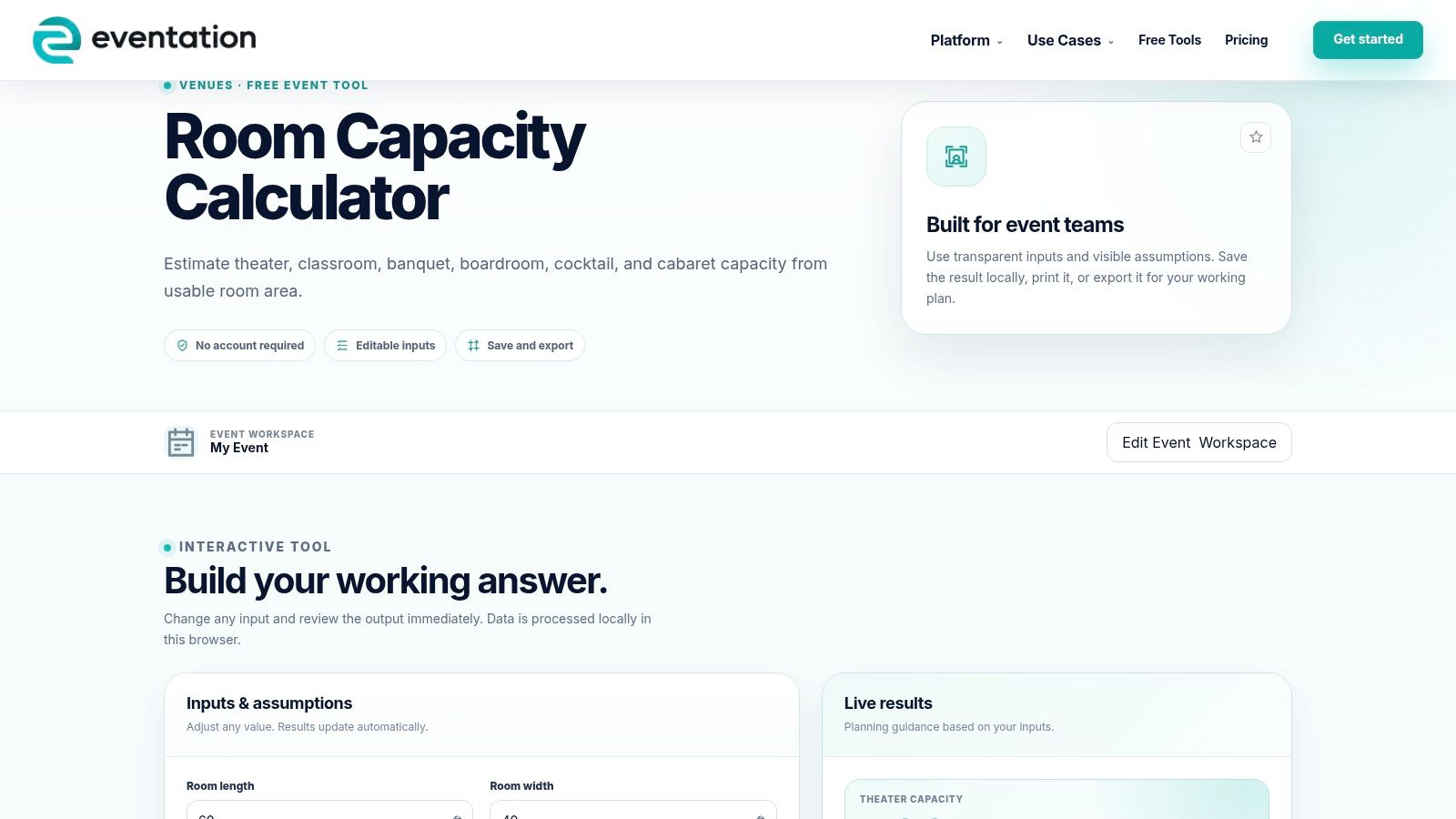
A capacity estimate becomes more useful when the team can retain the working assumptions. Eventation's Room Capacity Calculator offers editable inputs with instant updates and options to save, print, copy, or export a working result.
Its configurations include theater, classroom, banquet, boardroom, cocktail, and cabaret. The page also describes local browser processing and no account requirement, making it suitable for an initial comparison without committing to a broader event-management workflow.
Use the output as a review document
For an offsite meeting followed by a banquet, retain the relevant estimates separately. Label the intended activity and record which furniture or service areas were included, rather than circulating a result identified only by the room name.
A saved estimate is most helpful when another planner can reconstruct it. Before forwarding the output, inspect whether it includes the assumptions you need or whether you should attach supplementary notes.
- Include context: Identify the room, event format, and measurement basis.
- Identify exclusions: Note any fixed features or service areas not represented.
- State the status: Mark the result as preliminary until the venue confirms the layout.
Eventation's flexibility is useful across different event types, but it doesn't remove the need to examine real-room features separately. Review the inputs carefully before relying on an attractive headline capacity.
Choose it when keeping and sharing a working estimate matters as much as obtaining the number. The final handoff should support a venue conversation, not imply that an exported calculation is an approved occupancy document.
Top 10 Room Capacity Calculators Compared
| Tool | Best For | Layouts and Inputs | Standout Features | Access and Key Caveat |
|---|---|---|---|---|
| EventDiagram Room Capacity Calculator | Testing room-specific seating plans | Room dimensions, tables, chairs, and aisles | Compares a detailed estimate with a rule-of-thumb; links to scaled diagrams | Free to try; estimates are not approved occupancy figures; advanced diagramming may require a paid plan |
| Metis Room Planner | Comparing event layouts visually | Seven layouts; furniture, aisles, doors, stage, and dance floor | Side-by-side 2D plans and 3D fly-throughs | Free, no sign-up; results depend on dimensions and assumptions |
| MyVenueHQ Venue Capacity Calculator | Checking event setups with space deductions | Room dimensions or area; ceremony, dinner, dancing, and other formats | Accounts for stage, dance floor, bar, or buffet; printable or downloadable result | Free calculator; venue's posted limit remains controlling |
| Lovely Seating Room Capacity Calculator | Wedding reception seating | Room dimensions, table types, and dance-floor size | Table estimates account for chairs and walkways; links to a floor-plan editor | Calculator availability not specified; print-ready plans require Pro |
| SeatPlanning Event Seating & Table Capacity Calculator | Turning guest counts into table and space needs | Guest count, table size, room dimensions, dance floor, and buffet | Connects table estimates with room-fit checks | Free, no sign-up indicated; estimates are not official occupancy limits |
| Wedding Math Seating Capacity Calculator | Planning wedding layouts and shared ceremony-reception rooms | Reception style, table type, dance floor, buffet, and bar | Estimates table count and space per guest; includes layout notes | Free; area-based estimates may not reflect room shape or fixed features |
| Floors.live Event Room Capacity Calculator | Quick comparisons across standard event setups | Room dimensions; banquet, theater, classroom, boardroom, or standing | US-focused space assumptions and a free website embed | Free, no sign-up; does not model detailed furniture layouts or legal occupancy |
| Calculator Academy Event Capacity Calculator | General area-based capacity checks | Usable floor area, occupancy factor, fixed seating, and excluded areas | Supports both capacity estimates and reverse area planning | Pricing not specified; requires users to choose suitable assumptions |
| SnapCount Event Capacity Calculator | Events needing entry and exit tracking | Usable area, event layout, and area units | Combines an estimate with a shared manual live-occupancy board | Pricing not specified; live counts are manual and capacity is only an estimate |
| Eventation Room Capacity Calculator | Comparing varied event configurations | Theater, classroom, banquet, boardroom, cocktail, and cabaret | Editable inputs; save, print, copy, or export results | No account required; pricing not specified and estimates need room-specific review |
Turn the Estimate Into a Confirmed Event Plan
Choose a room capacity calculator according to the decision in front of you. For furniture comparisons, favor tools that account for table footprints and chair clearance; for format screening, a transparent area-based calculator may be enough. When the event involves changing attendance, consider whether the team also needs an entry-and-exit counting process.
Keep an assumptions record with the estimate. Include measured dimensions, the intended layout, furniture specifications, fixed features, service areas, and the circulation allowances already included. This prevents another planner from treating the output as a universal capacity for every activity in the room.
Reconcile the result with the room
If the calculator and venue disagree, investigate the assumptions before changing the guest list. The difference might involve furniture, usable area, a reserved activity zone, or an occupancy constraint that the calculator doesn't evaluate.
Don't average conflicting capacity figures. Ask what each figure measures and which constraints govern the proposed event.
Government assembly guidance explains that allowable occupant load can depend on the lesser of area-based capacity and the capacity supported by means of egress, as described in Minnesota's assembly occupancy guidance. That's why even a carefully calculated layout still needs review against the applicable requirements.
Accessibility also needs explicit attention rather than a vague spare-space allowance. For example, a 300-seat assembly layout falls within the bracket requiring at least 5 wheelchair spaces under the 2010 ADA accessibility standards, with placement, companion seating, and circulation requiring further consideration.
Confirm the event, not just the guest count
Ask the venue to review the complete arrangement, including dining, entertainment, bars, buffets, entrances, exits, and service routes. If the ceremony moves indoors or the reception changes from plated service to stations, revisit the plan instead of assuming the earlier estimate still applies.
For a venue such as Texas Old Town, published hall information and documented furniture inventories provide useful starting points. The practical next step is to confirm the selected arrangement with on-site management before finalizing rentals and attendance, while involving the applicable fire authority when required.
Keep the reviewed drawing and assumptions together, and update them when the plan changes. The goal isn't the largest number a calculator can produce. It's an event plan the venue can confirm and the team can execute, with room for guests to participate, staff to work, and everyone to move through the celebration.
Texas Old Town offers distinct indoor halls, outdoor ceremony settings, documented furniture information, and on-site management to support event planning. Visit Texas Old Town to arrange a tour and discuss how your guest count, dining layout, dance floor, and service needs fit the available spaces.